主催者 · organizer workspace
Run every event
under your own name.
One login for every wedding, gala, and conference you run. Your logo and colour show up on every guest phone and venue screen — guests never see photos.chat.
Built for agencies, venues, and photographers running events every week.
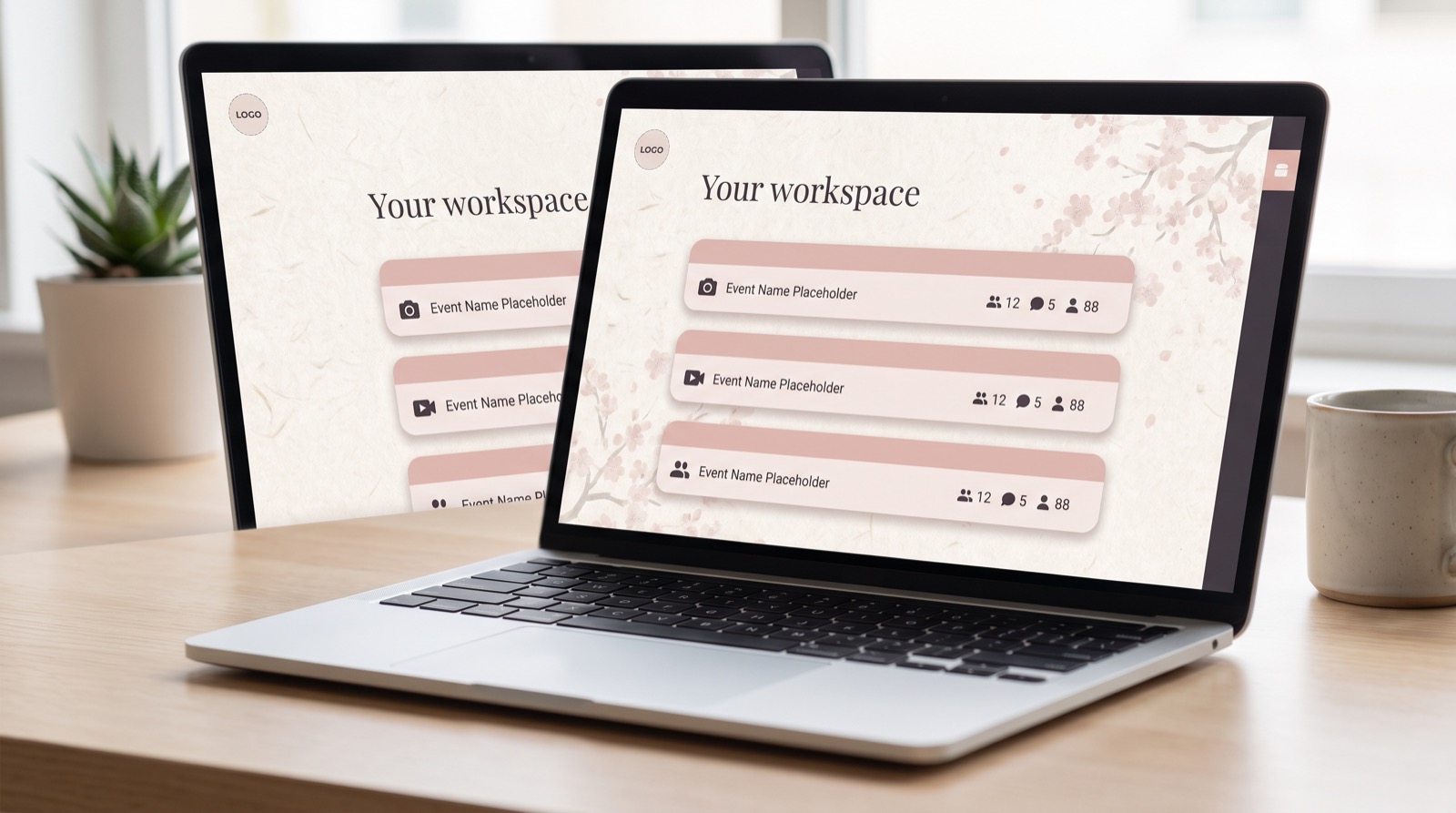
One workspace. Every event, its own look.
Stop juggling separate host keys for every client or venue. Sign in once and manage every event's photos, videos, and branding from one place.
Logo & colour, per event
Set a logo, accent colour, and wall theme for each event — a wedding and a corporate gala never have to match.
All events, one dashboard
See photos, videos, wishes, and guest counts across every event you run, at a glance.
No re-entering keys
Your workspace login opens any event's dashboard directly — no host key needed.
White-labeled by default
Hide the "photos.chat" badge entirely — guests only ever see your brand.
How does it work?
Set your brand once. Every event after that just works.
Open your workspace
Create your organization account — your agency, venue, or studio name and email are all it takes to get started.
Open your workspace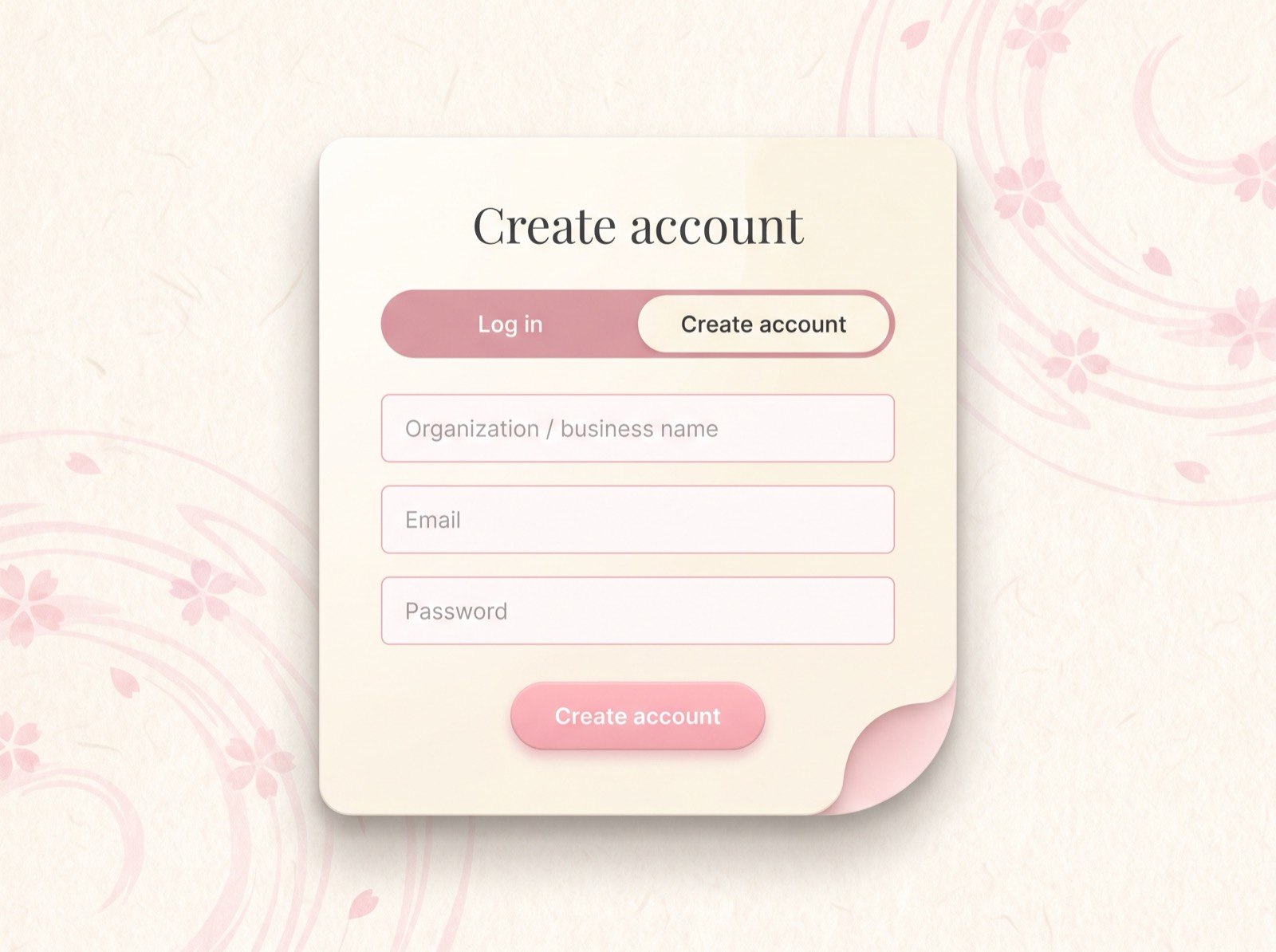
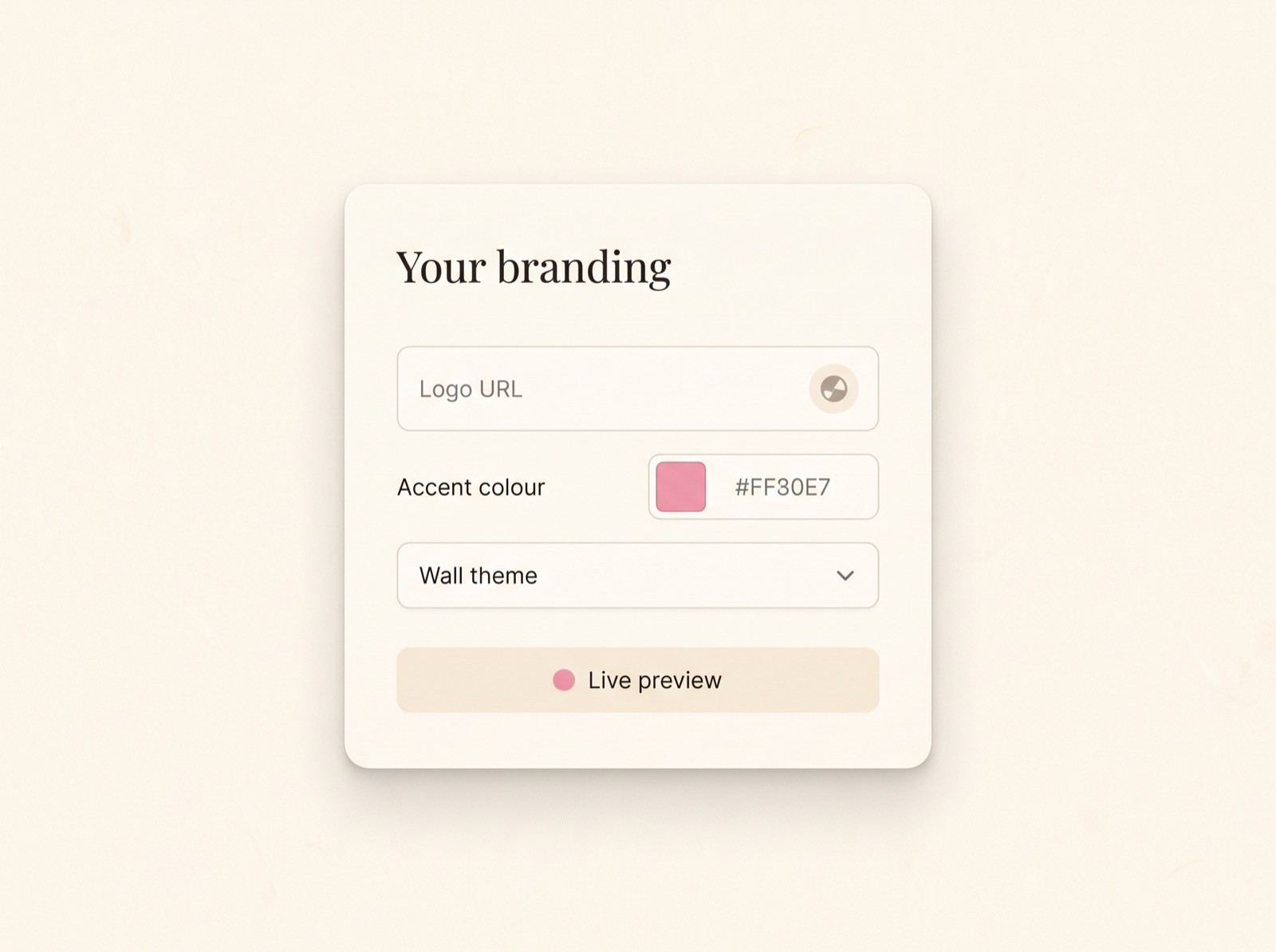
Brand each event
From that event's own dashboard, set a logo, an accent colour, and a wall theme — every event gets its own look, not a shared default.
- Logo shown on that event's guest app + TV wall
- Accent colour recolors every button and highlight
- Optionally hide the photos.chat badge entirely
Create events, one after another
Name it, set a date, and you're live — brand it the same way or completely differently, event by event.
See a live example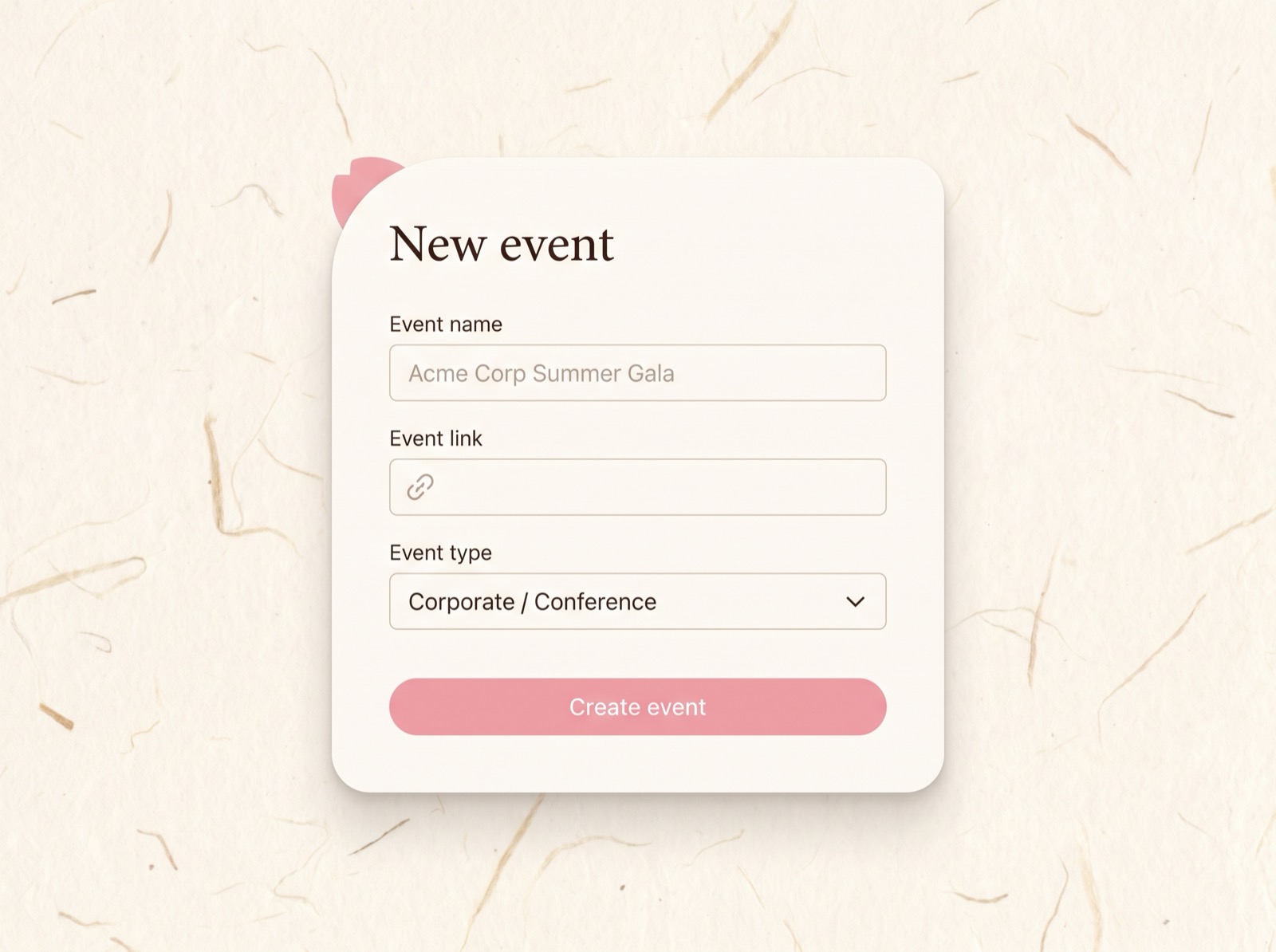
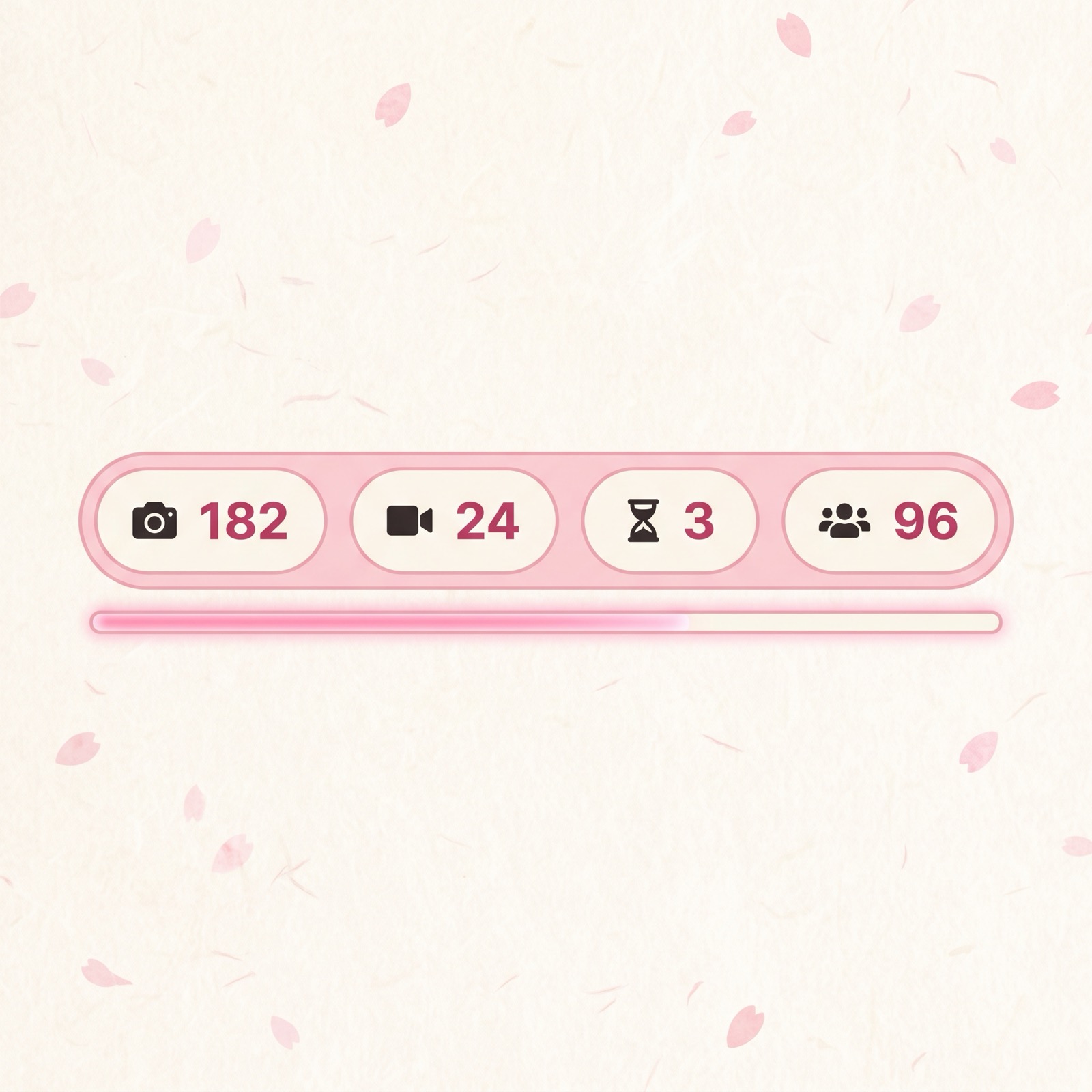
Track every event from one place
Photos, videos, wishes, and guest counts for every event, live — open any dashboard directly, no keys to hunt down.
Open your workspaceEverything an events business needs
White-labeling, multi-event management, and moderation — all built in.
Custom logo
Your logo appears on every guest app and TV wall you run.
Brand accent colour
Recolor every button, badge, and highlight to match your identity.
Default wall theme
Pick day, night, or dark-glass as the starting look for your events.
Badge removal
Hide the "photos.chat" mark — guests only ever see your brand.
Multi-event dashboard
Every event you run, with live photo/video/guest counts, in one list.
Built-in photo editor
Crop, filter, frame, and trim video clips right from the moderator view.
Tenant isolation
Your events and data are scoped strictly to your organization account.
Inline event settings
Rename events, adjust moderation, and change dates without recreating anything.
Built for running events, not just one event
If you run events for a living, a one-off event link isn't enough. Here's what changes with an organizer workspace.
- One login for every event you run
- Each event brands itself — logo, colour, theme
- All events' stats in one dashboard
- Open any event's host dashboard directly
- Hide the photos.chat brand per event
- Settings changes apply without recreating events
- Separate host key to track per event
- No overview across multiple events
- Re-enter credentials for every dashboard
- Settings mean starting the event over
From the teams running the show
Agencies, venues, and studios running events week after week.
"Every client gets their own look — their logo, their colour — set from that event's own dashboard in a minute. No two clients see the same brand."
— events agency owner
"I run three venues. One login shows me every event's stats without hunting for host keys in old emails."
— venue operations lead
"Editing an event's date or moderation setting takes seconds now — I used to have to recreate the whole thing."
— corporate events coordinator
Frequently asked questions
Do I need a separate account for every event?
No — one organizer login creates and manages every event you run. Each event sets its own branding independently, from its own dashboard.
Can guests tell they're using photos.chat?
Not if you don't want them to. Set your logo and accent colour, and optionally hide the "photos.chat" badge entirely — guests only see your brand.
Can I open an event's dashboard without a host key?
Yes. While logged into your workspace, opening any of your events' dashboards skips the host key — your organization login is enough.
Can I edit an event after creating it?
Yes — rename the event, change its moderation setting, or adjust its dates directly from your workspace, no recreation needed.
Are my events visible to other organizations?
No. Every event is scoped strictly to your organization account — other organizers can't see or manage your events.
When can I sign up?
Organizer accounts open once core guest and wall features are locked down for launch — the login below shows what's coming.
主催者 · organizer workspace
Run every event
under your own name.
One login. All your events, your logo, your colour — on every guest phone and venue screen. Guests never see photos.chat.
Organizer accounts open once core guest & wall features are locked down. Email sign-in lands with launch — thank you for the early look 🌸